The Marketing & Communications Team manages the Arts and Letters College Directory system, which provides visitors with detailed contact and biographical information about our faculty and staff members.
Faculty and Staff members with a primary appointment in the College of Arts and Letters can create their profile by following the instructions below. Individuals with a primary appointment outside of the college should request access to the Directory through their CAL supervisor.
- Log into the CASL Courtyard dashboard: https://casl.cal.msu.edu/wp-admin
- Look for the “Directory Invitations” section on the dashboard and click the “Join Arts and Letters College Directory” button:

- Proceed through the form, following the instructions to edit your name, if desired.
- When you submit the form, you will be taken to the Profile Editor:

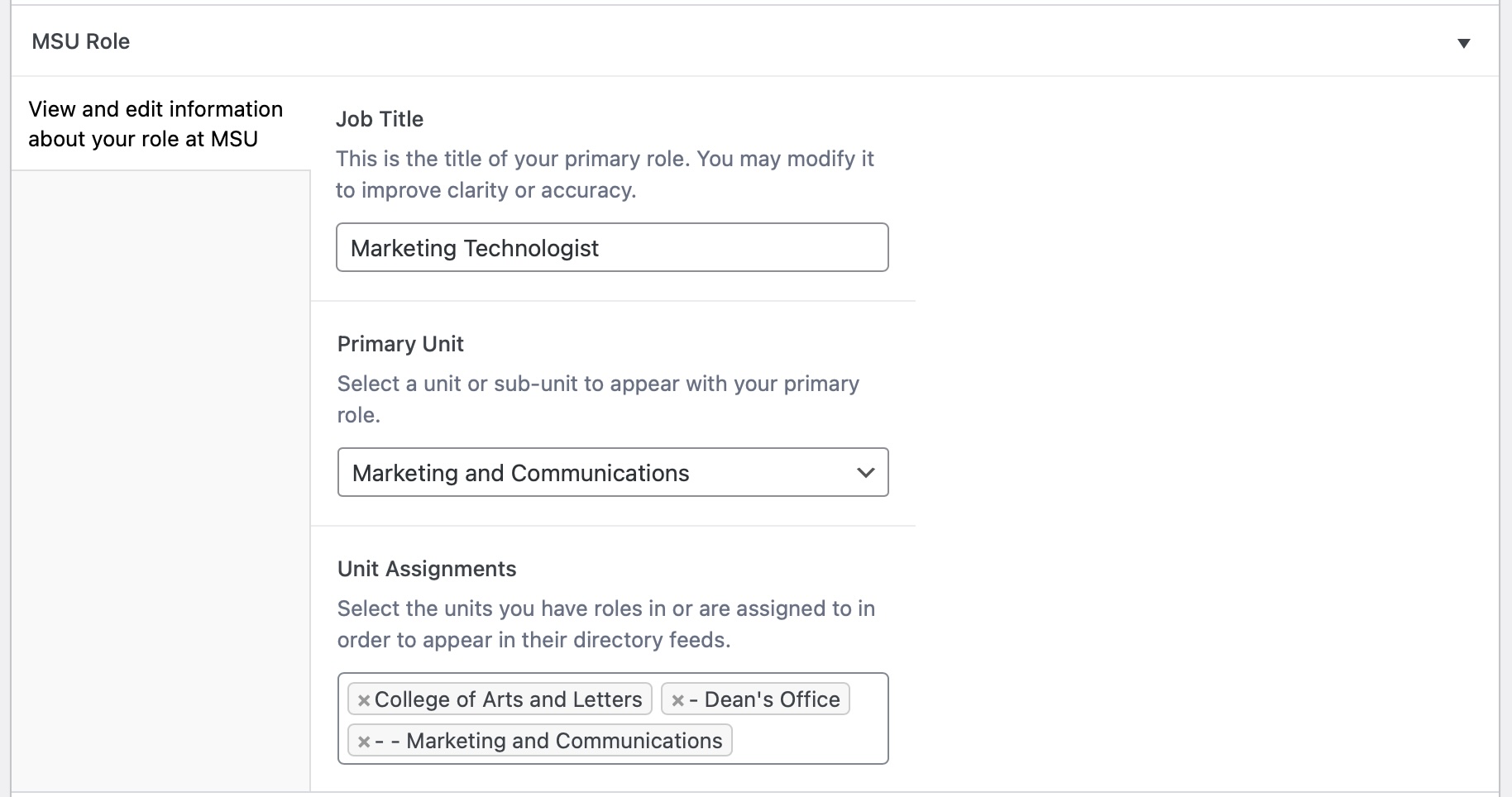
- Provide information of your choice, but ensure the details in the “MSU Role” section are correct in order to be listed in the Directory:
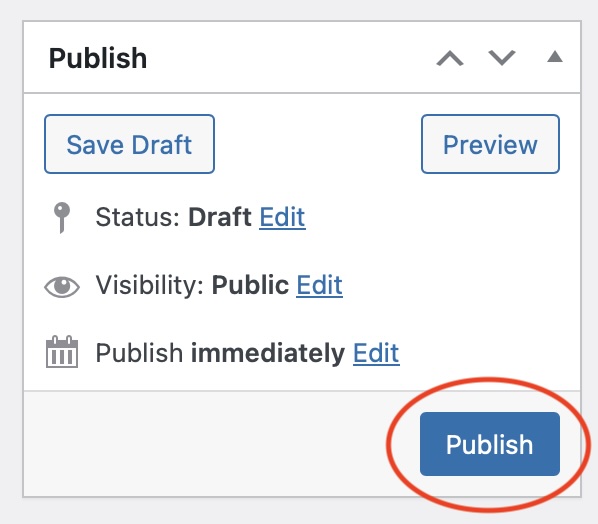
- You must click the blue “Publish” button before your new profile can be made visible to the public:
- After you have finished creating your new profile, you will receive an email from the system with a personalized link you can use to return to the Profile Editor to update your details or add new information.